Our motto & search engine
Page content
Services
Remote PC offers multiple features for controlling your computer. If your want to take full advantage of the application, you will follow these guidelines. Please write your suggestions for new features to our contacts page.
Mouse
The Mouse behaves exactly like the touchpad.
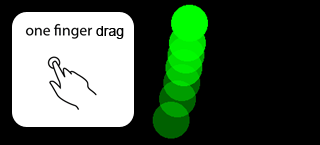
Common mouse move
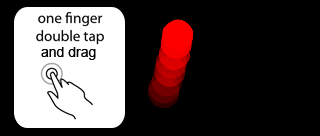
Mouse double left-click
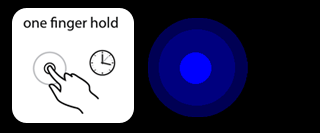
Mouse right-click
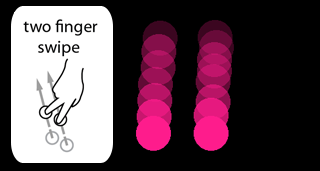
Mouse scrolling
Desktop
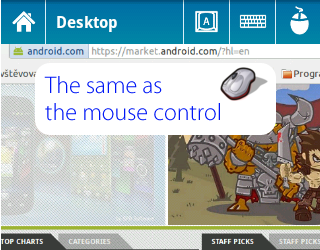
The Remote Desktop allows users to remotely access another computer through Android. Can move with the mouse, as in the previous service.
Keyboard
When you type characters to your computer, you can see them immediately or after press the send button. The keys are fired by Java key classes or keyboard shortcuts which creates keys.
Mac OS X
To write special characters (!@#$%^&, etc.) you must set Unicode Hex Input.
How to proceed:
- Go to System Preferences -> Language & Text -> Input Sources.
- Enable Unicode Hex Input.
- Switch to Unicode Hex Input in the menu bar.
Result:

Linux
Warning: Writing to KDE apps cause problems at some characters, in spite of typing to GNOME apps work well.
Multimedia
At first choose a multimedia player which you want to control.
Legend

Recommended - the player is native.

Windows only - the player works only on Windows.

Mac OS X only - the player works only on Mac OS X.

Linux only - the player works only on Linux.

Alert - the player is based on keyboard shortcuts and its windows must be in the foreground.
Red exclamation mark - same as Alert, but only for specific buttons.
Fast forward/rewind
Clicking on Back or Next button will change the song to next/previous in your playlist. If you hold the button, you will rewind or forward the current song.
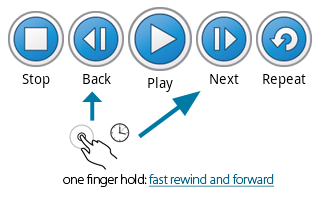
Warning: Windows Media Player and Rhythmbox do not support this feature.
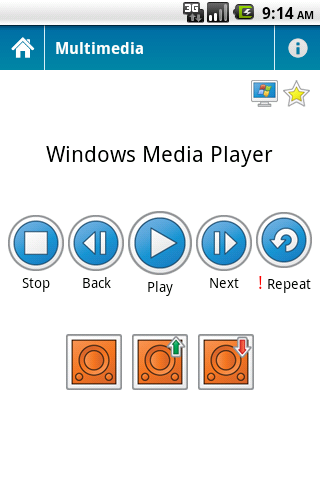
- Stop – stop your current song
- Back – play previous song
- Play – play/pause current song
- Next – play next song
- Repeat – toggle on/off repeating mode
- Sound – turn on/off sound
- Sound up – increase the volume
- Sound down – decrease the volume
- Preference – list of media players
- Note – some players are based on keyboard shortcuts
Presentation
At first choose Microsoft PowerPoint or Adobe Reader which you want to control.
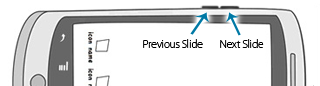
Volume buttons
Moves the slideshow with Volume hardware buttons.
Custom Interface
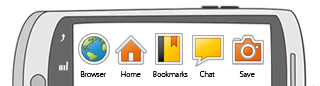
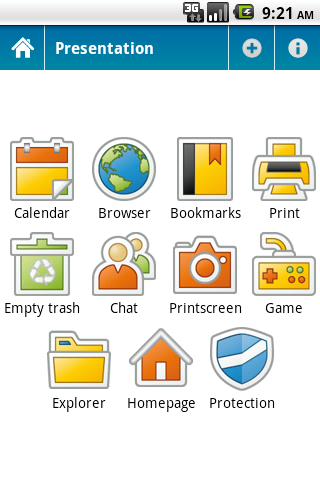
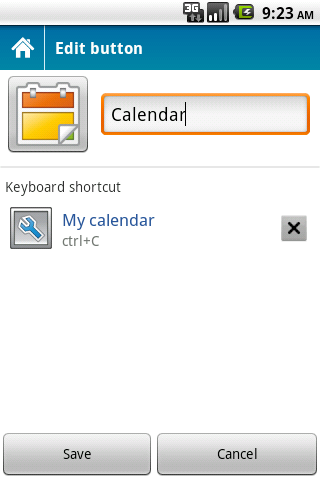
Create your own custom interface which is based on keyboard shortcuts. Most modern applications have control via keyboard shortcuts, and now you can use their potential fully remotely.
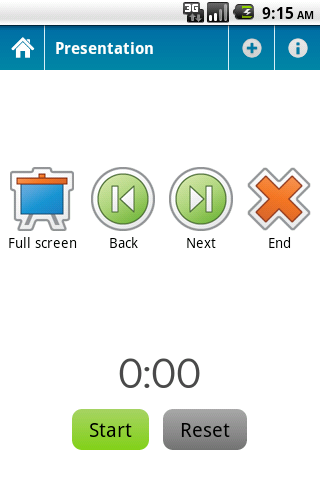
- Launch – run presentation
- Previous – previous slide
- Next – next slide
- Close – exit presentation
- Note – the players are based on keyboard shortcuts
Power
Allows you to shut down, restart, sleep and lock a remote computer.
Legend
Windows - identifies Windows OS and offers you buttons which are applicable.
Mac OS X - identifies Mac OS X and offers you buttons which are applicable.
Linux - identifies Linux OS and offers you buttons which are applicable.
Mac OS X
Unfortunately, the operating system does not offer a reliable power interface, so Power contains only experimental Linux commands (e.g. shutdown).
Linux
The power interface requires root privileges, because it is based on commands – shutdown, pm-suspend. If you want to control the power of your computer, add su/sudo to the starter (e.g. cd server-path; sudo java -jar Remote\ PC\ Server.jar).
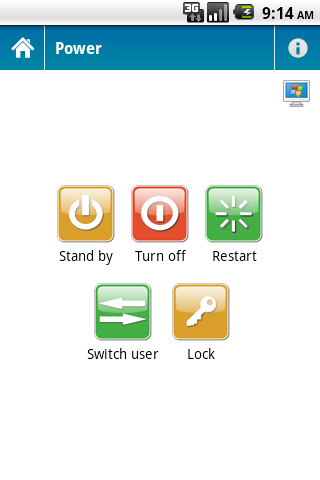
- Stand By – sleep computer
- Turn off – turn off computer
- Restart – restart computer
- Switch – switch the current user
- Lock – lock computer
Review from ICT Tech Tips
Published on 31th of May, 2017
Application examples ver. 1.5
Promotional video ver. 1.5
Published on 19th of January, 2014